
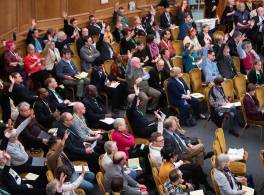
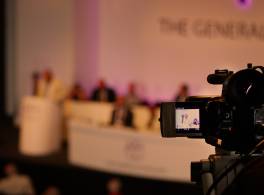
The General Synod is the national assembly of the Church of England. It came into being in 1970 under the Synodical Government Measure 1969, replacing an earlier body known as the Church Assembly.
The General Synod considers and approves legislation affecting the whole of the Church of England, formulates new forms of worship, debates matters of national and international importance, and approves the annual budget for the work of the Church at national level.

Synod Office
The General Synod is supported by staff of the National Church Institutions. The Synod Office is located at Church House, Great Smith Street, London SW1P 3AZ. The Church House switchboard number is 020 7898 1000. You can also use this form to contact the Synod Office.